Printable Lined Paper with Margin
Free PDF download of the classic notebook layout: ruled lines plus a red vertical margin for dates, corrections, and annotations.

Free download
Vector PDF — prints crisp at any resolution. No sign-up, no watermark.
More versions to print
The same lined paper with margin in other paper sizes and line colors, each a free vector PDF. Light gray lines fade into the background so your writing stands out; dark gray ones stay clear on photocopies and on printers low on ink.

Light blue lines · A4Download PDFEdit 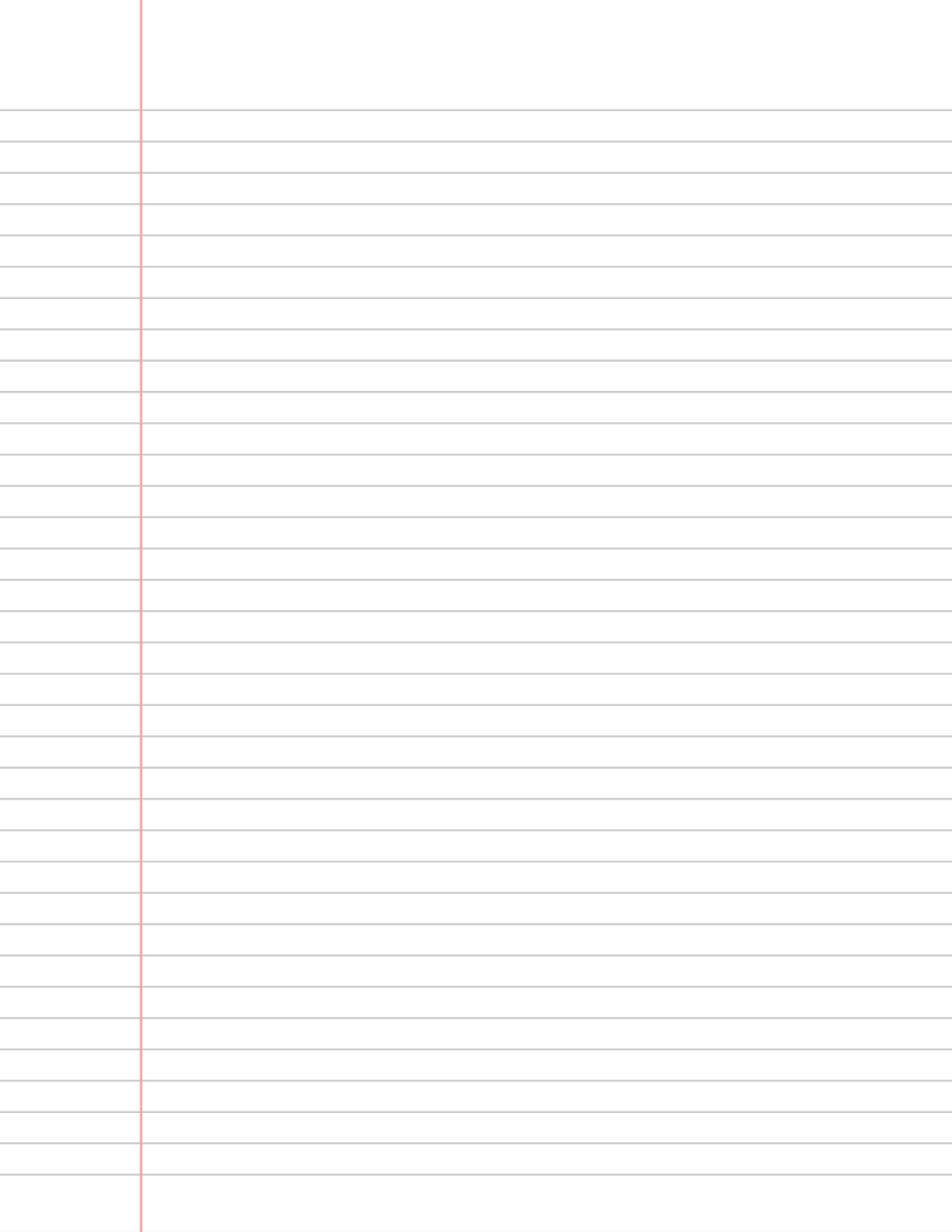
Light gray lines · US LetterDownload PDFEdit 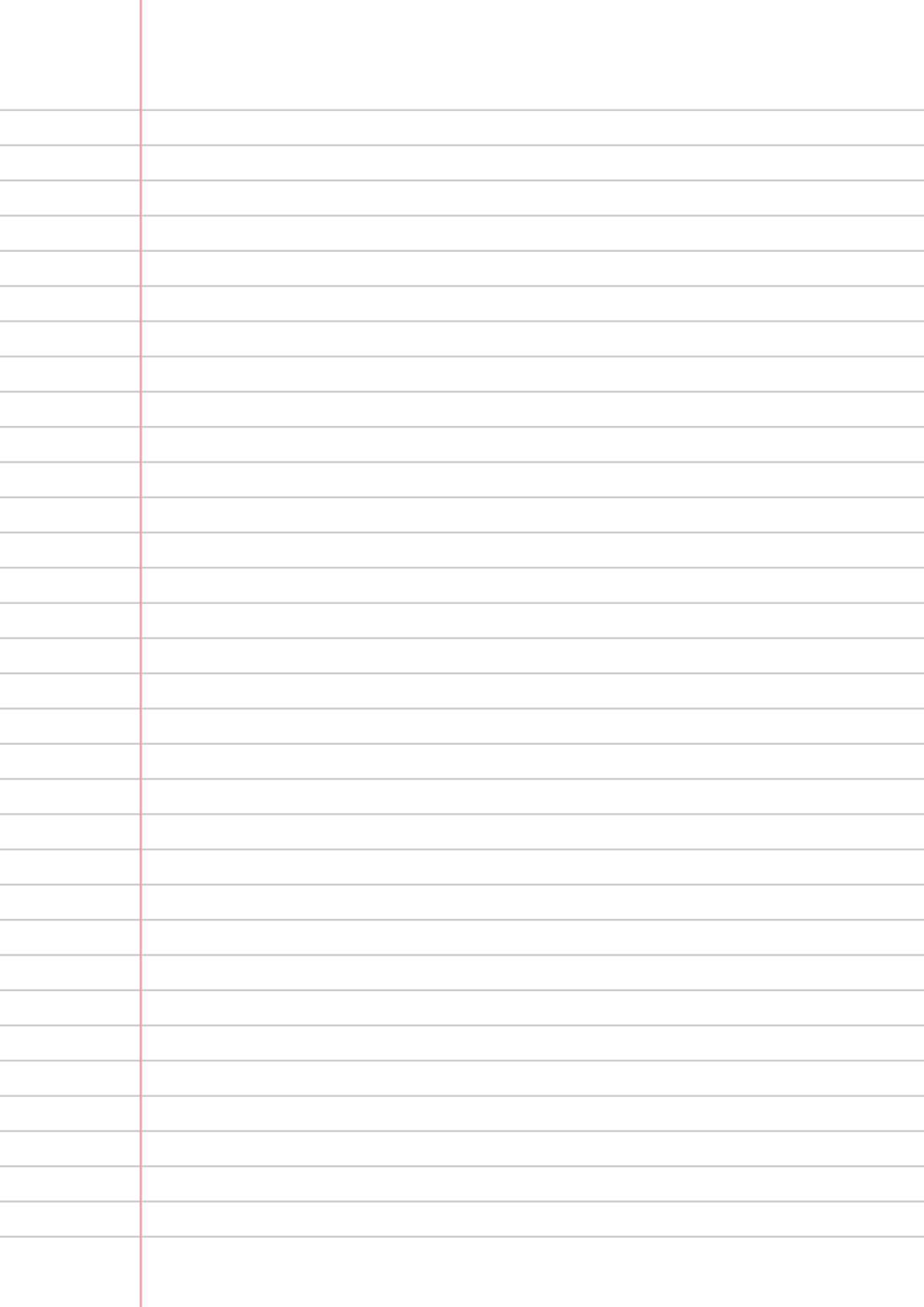
Light gray lines · A4Download PDFEdit 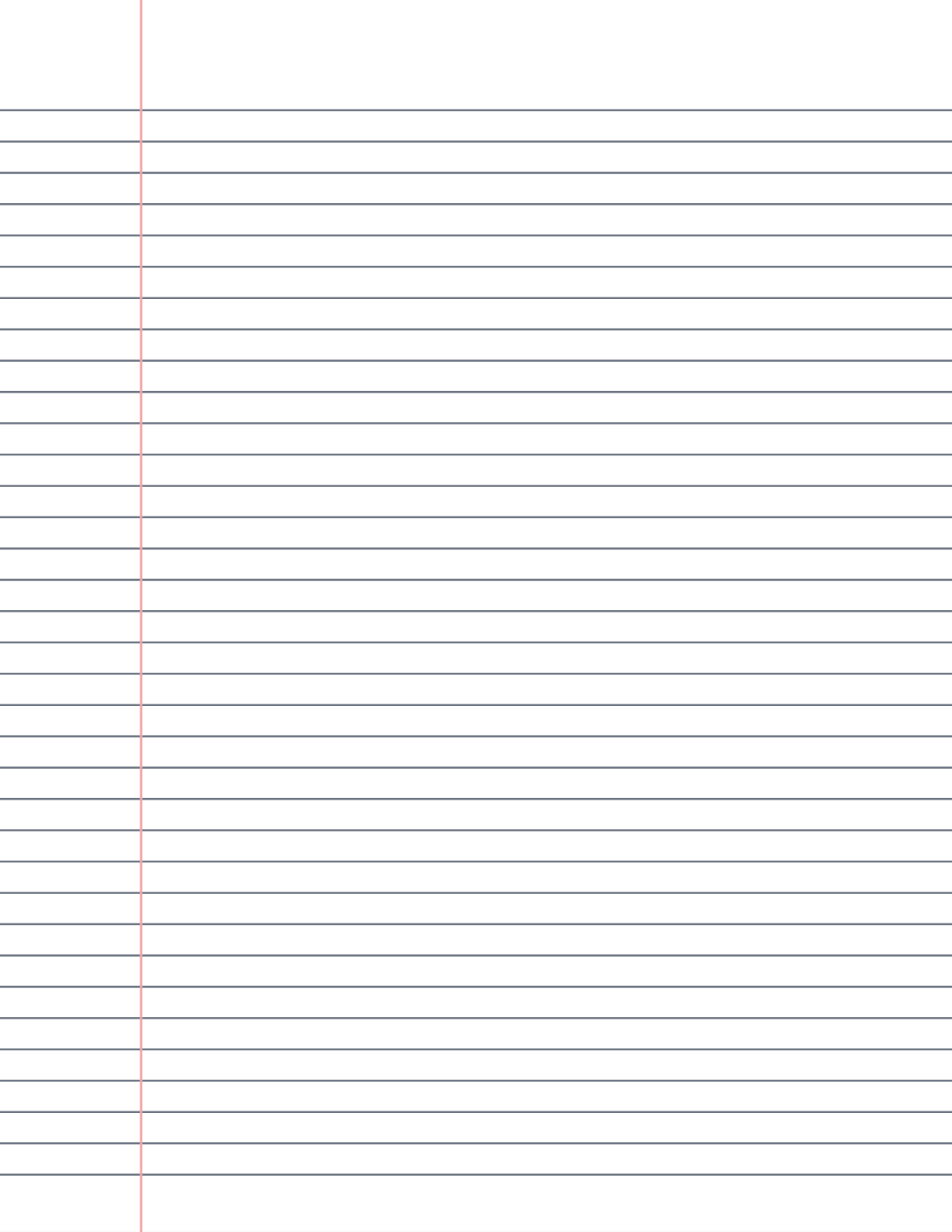
Dark gray lines · US LetterDownload PDFEdit 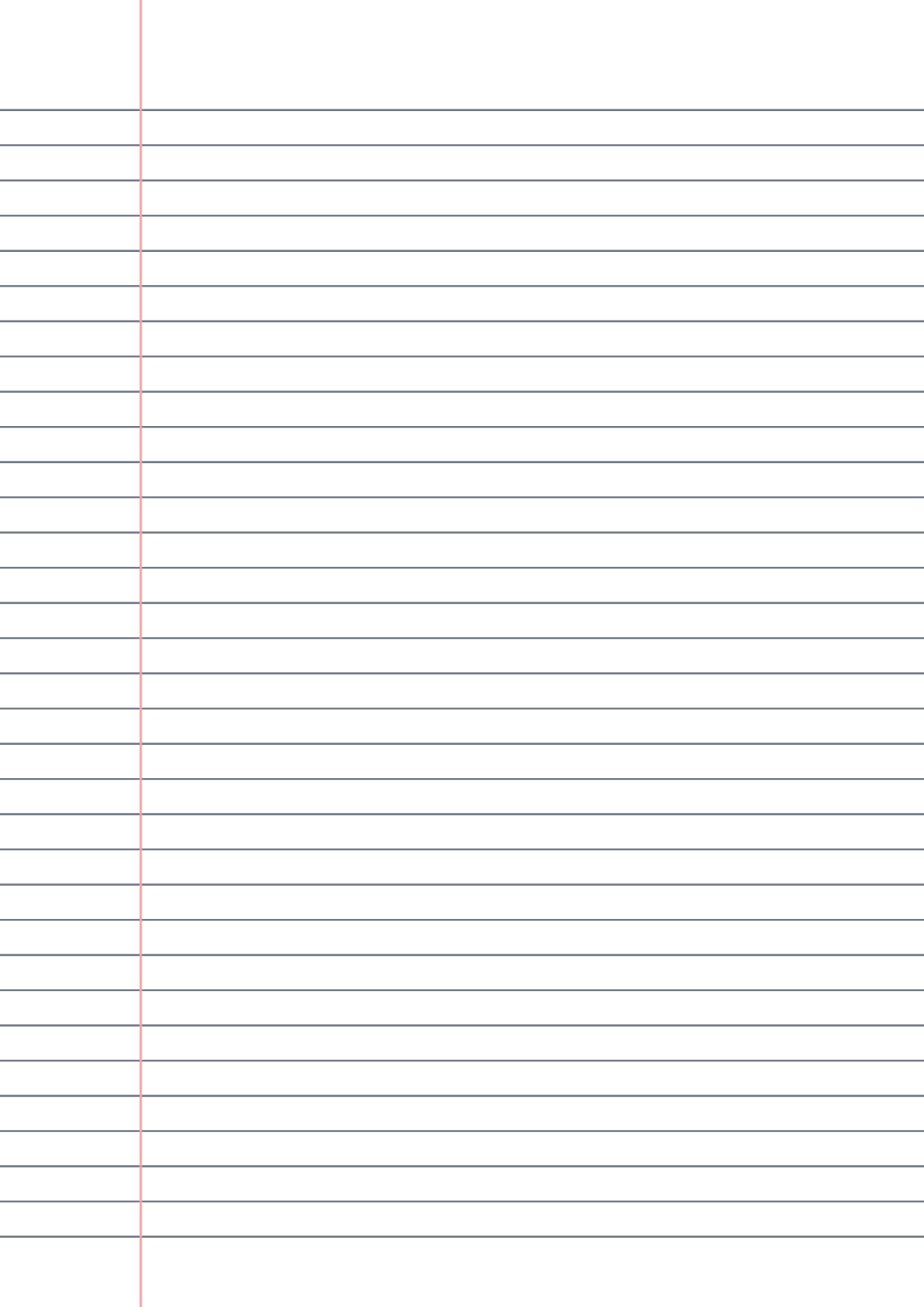
Dark gray lines · A4Download PDFEdit
Why the margin line matters
The red vertical line 32mm from the left edge is not decoration — it creates a dedicated column that keeps the main text block aligned and leaves room for the things that annotate writing rather than being part of it: dates, question numbers, editing marks, review flags, or Cornell-style cue words.
Margined paper is common for exams, reports, and formal handwritten work because it standardizes where notes and feedback go. These templates use the classic layout: blue rules, red margin, generous top space for a title.
Specifications
Each paper size uses the ruling that is usual for it: college ruling on US Letter, the European 8mm ruling on A4.
| US Letter PDF | A4 PDF | |
|---|---|---|
| Line spacing | 7.1mm (9/32 in), college ruled | 8mm (0.31 in) |
| Ruled lines | 35 | 33 |
| Margin line | Light red, 32mm (1 1/4 in) from the left edge | Light red, 32mm (1 1/4 in) from the left edge |
| First line | 25mm from the top | 25mm from the top |
| Line color | Light blue | Light blue |
| File | Vector PDF, one page | Vector PDF, one page |
What to put in the margin
A 32mm column holds a word or two per line, which is all most margin notes need. Some ideas that keep the main column clean:
- Dates, so a running notebook doubles as a log of when you wrote each entry.
- Keywords or short questions next to each paragraph, for review later.
- Question or exercise numbers when you work through a problem set.
- Corrections and editing marks, so the text itself stays readable.
- References: the page of the book you are reading, a slide number, or a timestamp from a recorded lecture.
- Status marks, such as a check for done, a star for important, or a question mark for something to look up.
- Page numbers, written at the top of the margin column.
Margined paper for formal handwritten work
For handwritten reports, applications, letters or exam answers, the margin line keeps the left edge of the text perfectly straight, which makes a page look tidy even when the handwriting itself is not. Start each paragraph at the margin, or indent every paragraph by the same amount, and leave the margin itself for numbering.
Keep margin marks consistent from page to page: the same symbol should always mean the same thing. A short key on the first page of a notebook, such as a star for important or a question mark for check later, makes old notes readable months afterward.
Margin conventions
In North America the margin is almost always a single red line on the left, about 1 1/4 inches in, and that is the layout these templates follow on both Letter and A4. Holes from a binder punch fall to the left of it, so they never cut through your notes.
If you want a narrower margin to gain writing width, or a wider one for longer comments, the editor moves the margin line anywhere from 8 to 60mm from the left edge, and you can turn it off entirely.
A review workflow for margined notes
Pass one, while writing: stay in the main column and leave the margin empty except for dates and page references. Pass two, the same day: reread the page and write one keyword or question per paragraph in the margin.
Pass three, before an exam or a follow-up meeting: cover the main column and answer the margin prompts from memory. Put a dot next to anything you missed, so you know exactly what to reread. This is a lightweight version of the Cornell note-taking method that turns ordinary margined paper into an active-recall tool.
If your margin notes grow into full questions, the Cornell notes template gives you a 2.5 inch (63mm) cue column and a summary box at the bottom. If you do not need a margin at all, the A4 lined template runs its lines edge to edge.
Frequently asked questions
How far from the edge is the margin line on lined paper?
The vertical margin line sits about 1.25 inches (32mm) from the left edge on standard US notebook paper, and a similar 30–35mm on European exercise paper.
What should I write in the margin of lined paper?
Anything that comments on the main text rather than belonging to it: dates, question numbers, keywords for review, corrections, page references, and status marks such as a check or a star.
Why do the Letter and A4 versions have different line spacing?
Each follows the usual ruling for its paper size: the Letter version uses 7.1mm college ruling (35 lines) and the A4 version uses the European 8mm ruling (33 lines). The margin sits at 32mm on both.
Can I type in the margin when using the editor?
Yes. In the online editor, the strip to the left of the margin line takes its own text, so you can type dates or keywords beside your notes and then print or export the page.
Can I get lined paper with the margin on the right?
Printed notebooks put the margin on the left, and so does the online generator: you can move it anywhere from 8 to 60 mm from the left edge or turn it off, then export your own PDF. A right-hand margin isn’t available yet.